
Eleven styles, and the light.
Look in the header, or L, repaints the floor. Every picture on this page is the same three repositories and the same nine sessions.
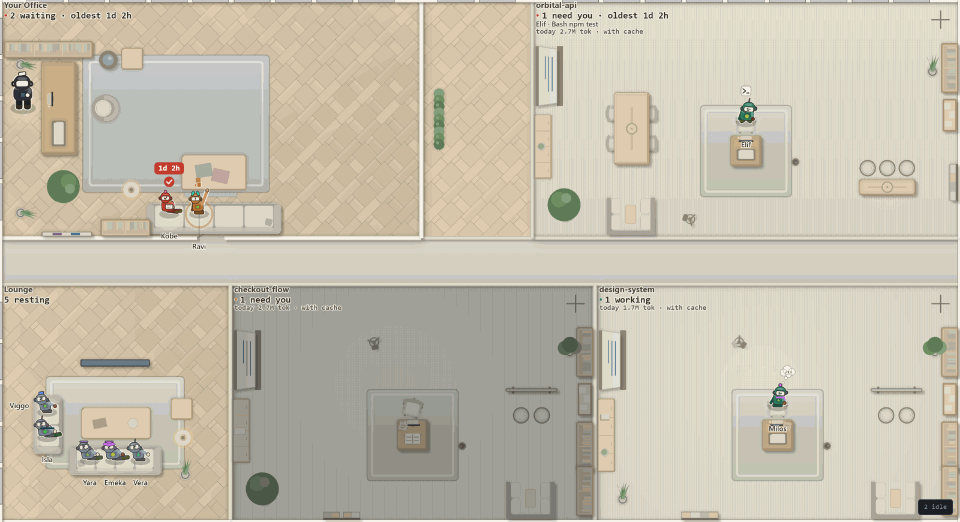
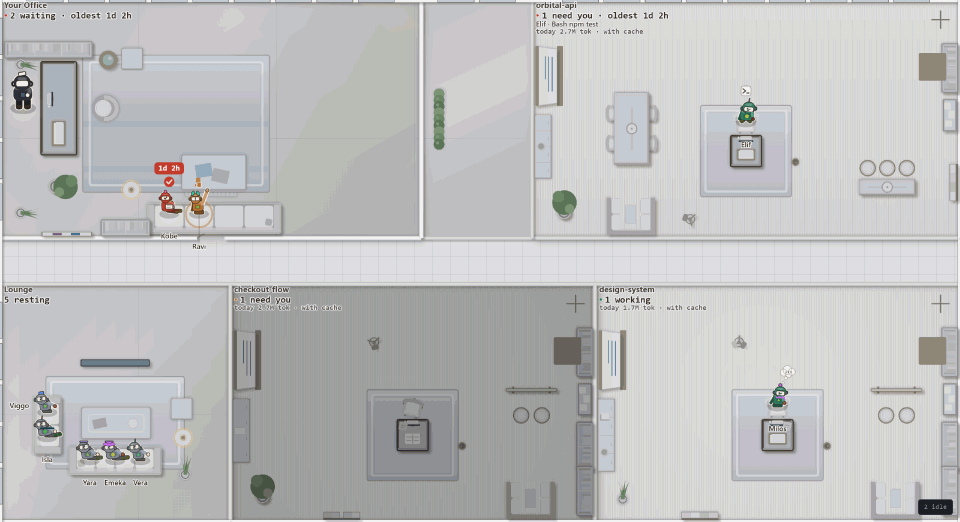
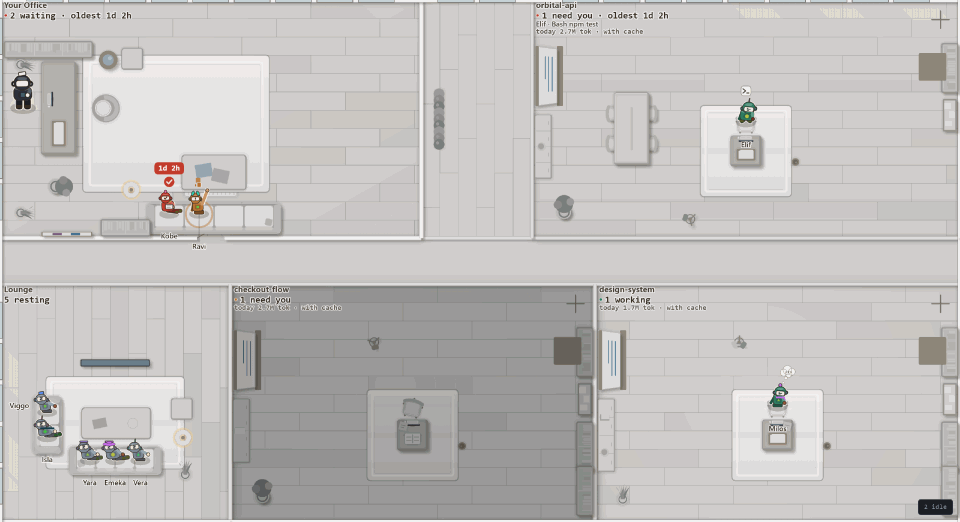
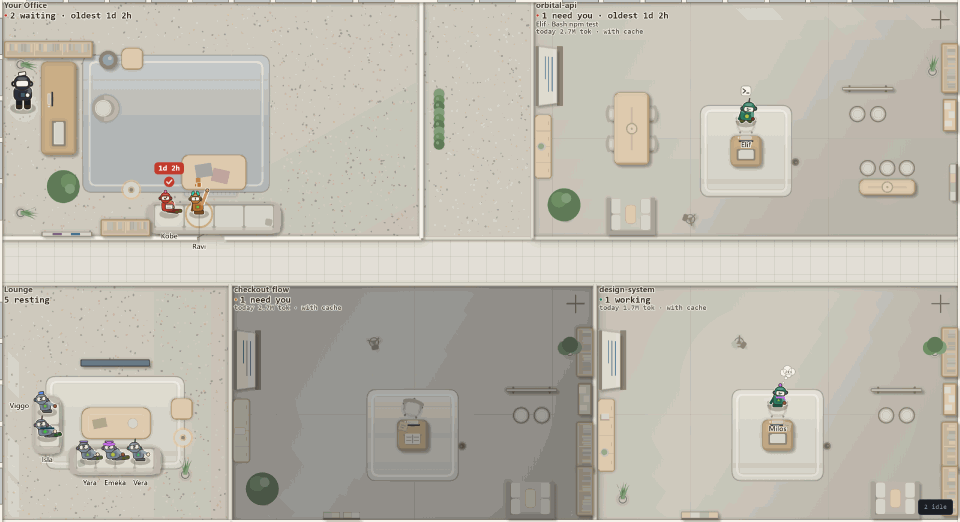
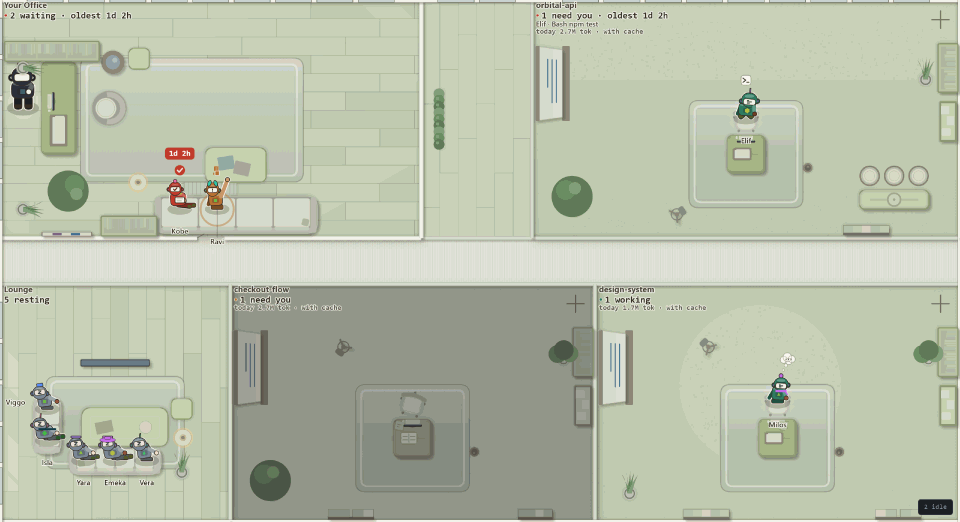
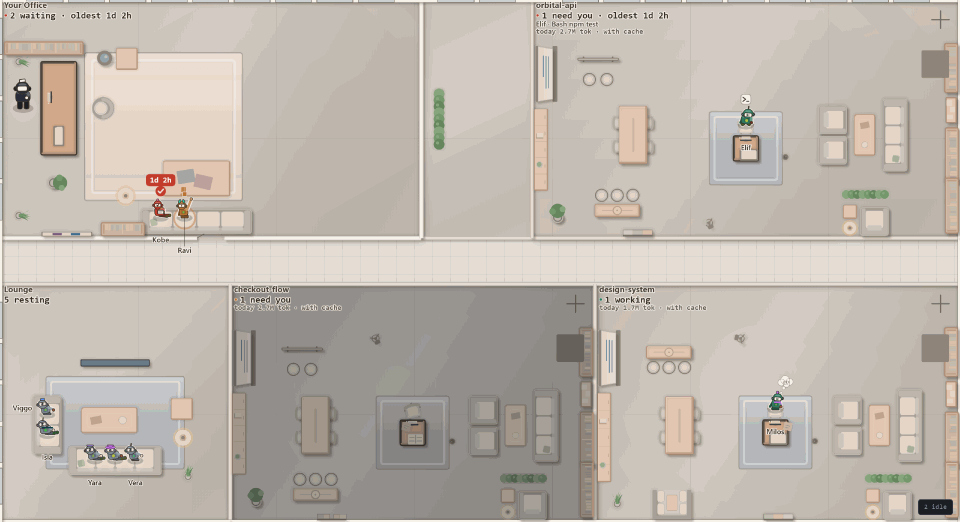
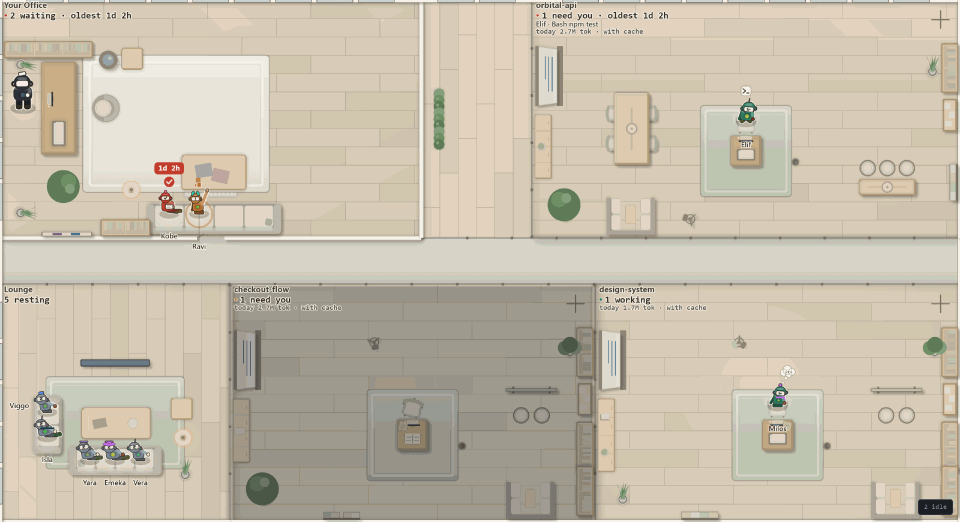
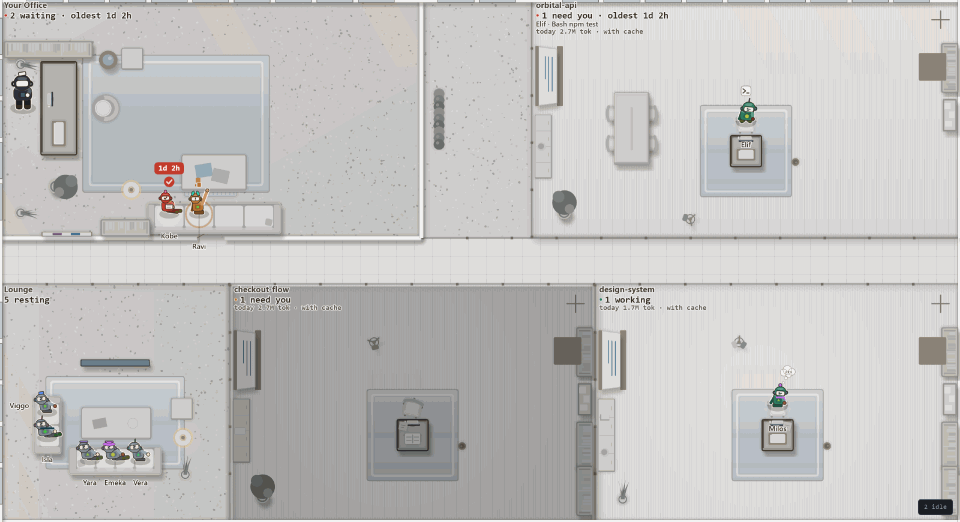
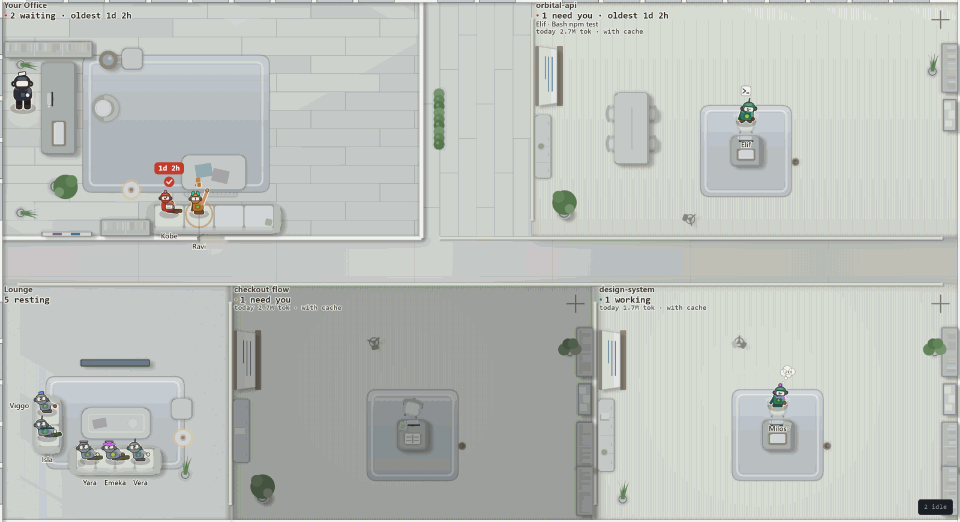
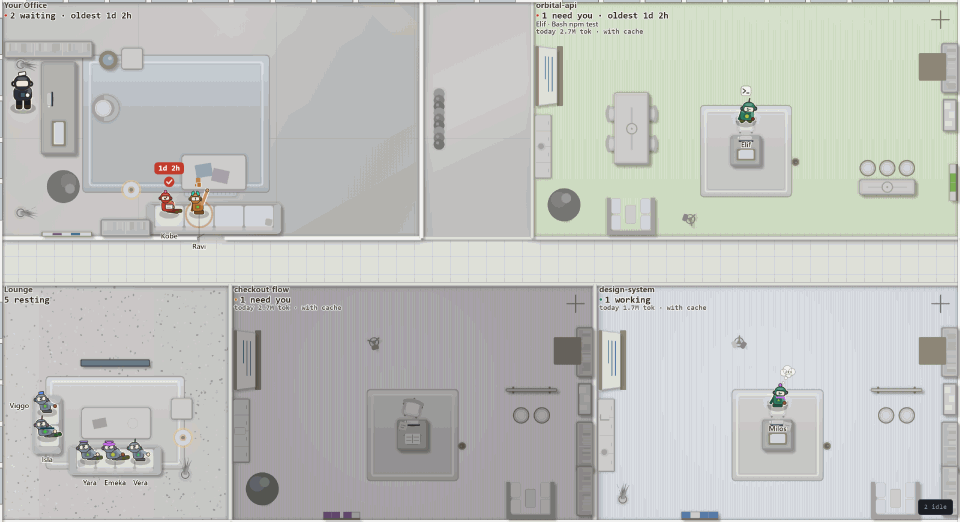
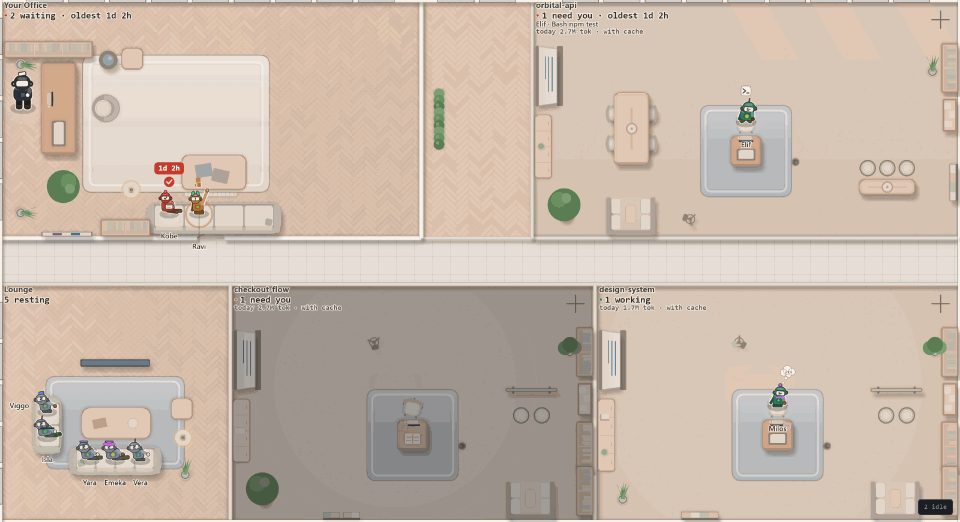
A style is a whole floor at once: materials, colours, furniture, rugs, partitions and light.
It never touches your agent size, and your agents keep their own colours.
?look=night-lab on the floor's address tries one in a single tab and saves
nothing.
Morning, noon or evening.
One light on the floor, at 30°, 45° or 60°. Every shadow is longer in the morning and longer still in the evening, and the daylight turns cool, warm or amber. Noon is the default.
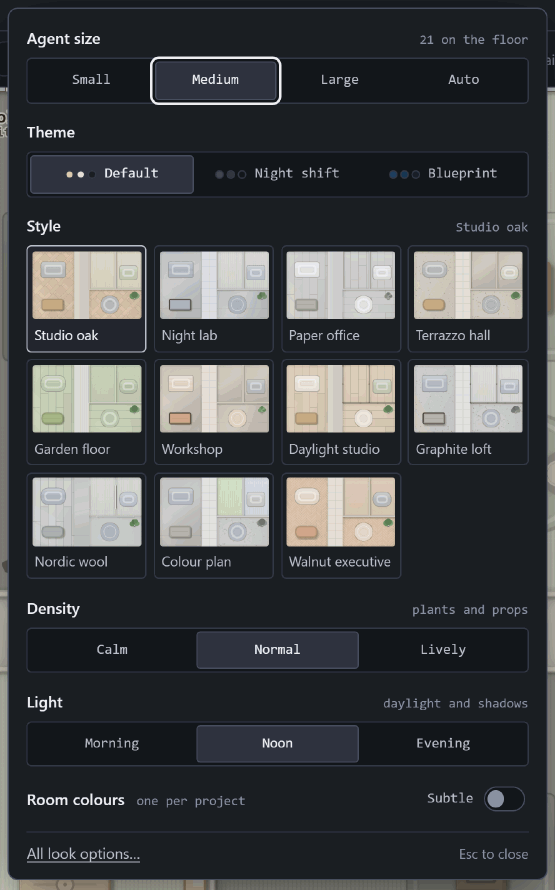
It is one of the six things in the Look panel, beside agent size, theme, style, density and room colours. A click changes the floor straight away, and Esc closes the panel.
A colour for each project's room.
Room colours, subtle or zoned. Zoned gives each project one of six calm colours, so two rooms side by side are told apart before you read a plate.
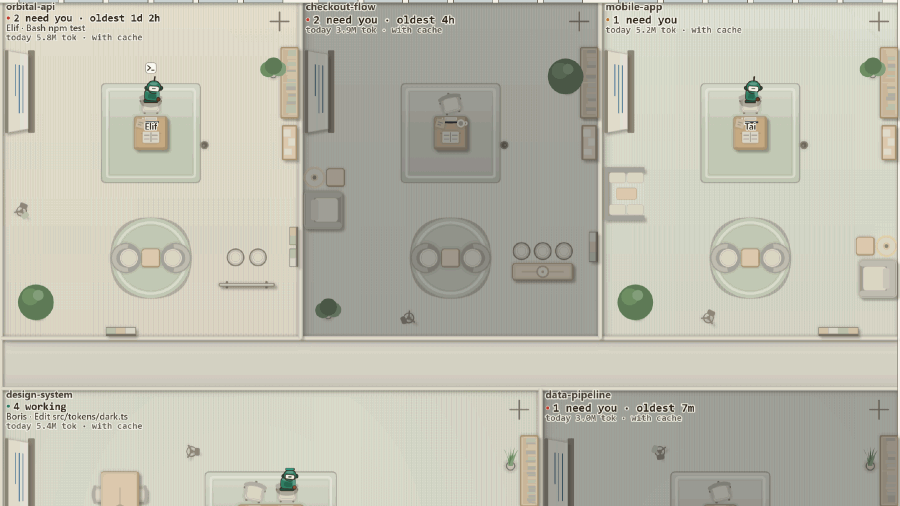
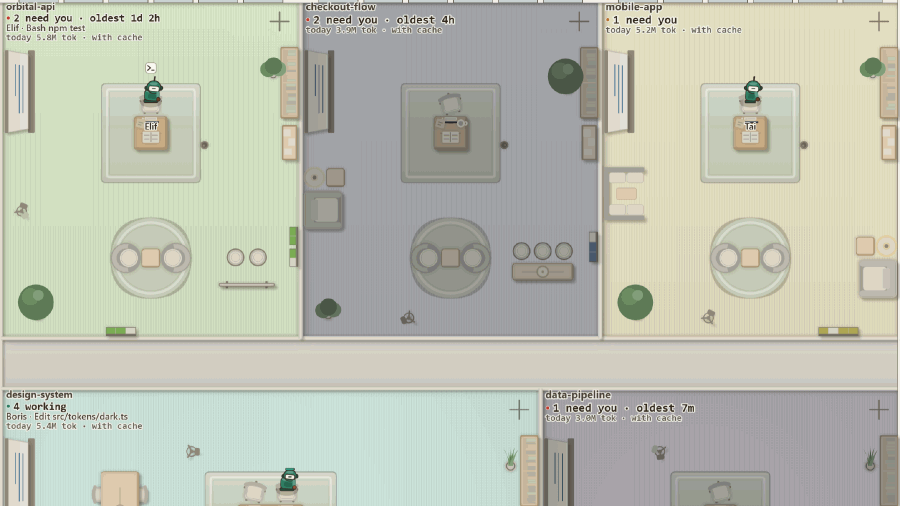
The colour keeps the floor's own brightness, so names and state colours read exactly as they did. On the Colour plan style a name measures 11.2:1 against its room on the default theme.
Three themes.
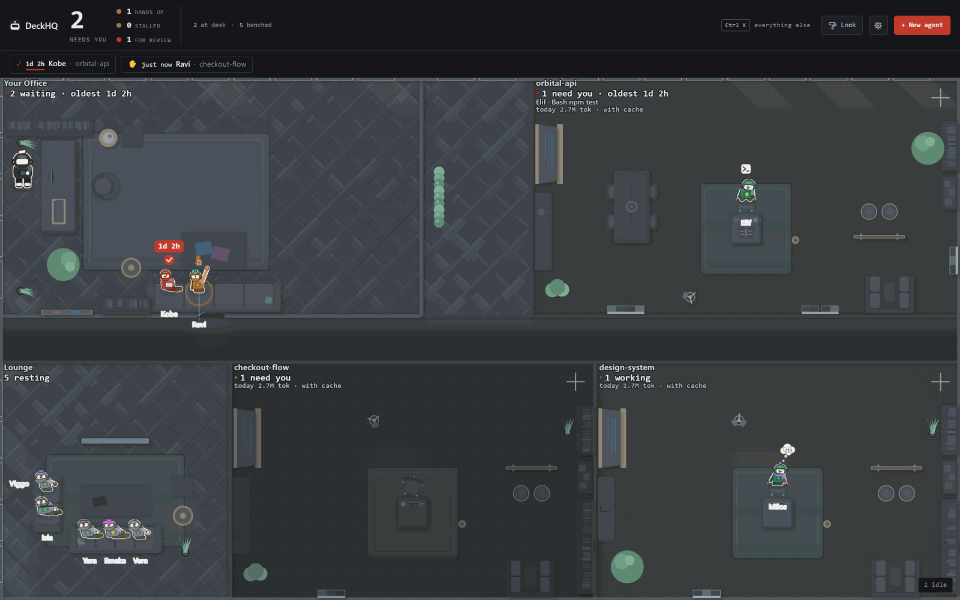
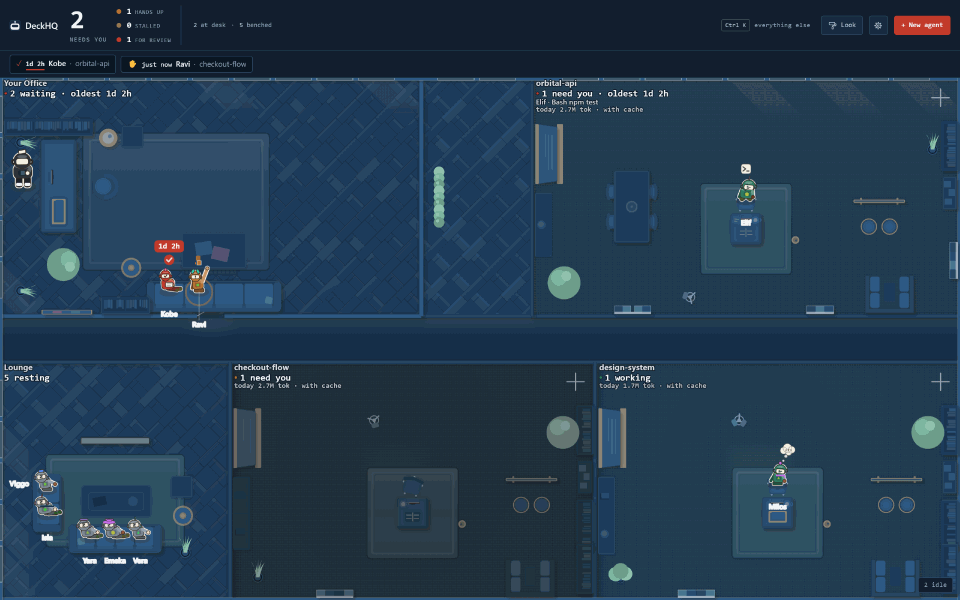
The warm default, night shift, and blueprint: the floor as white line work on drafting blue. A theme applies on top of any style.
The size of the people.
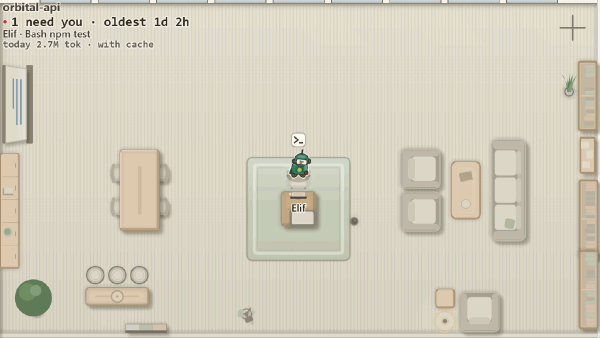
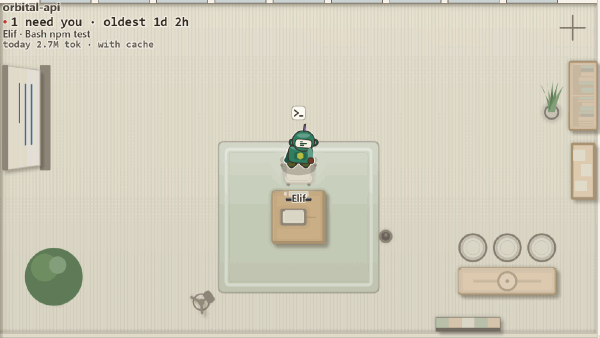
Small, medium, large or auto. Desks, chairs, sofas and rugs resize with the robots, while corridors and labels stay put, so a floor of five fills the window and a floor of a hundred still fits.
Density
Calm, Normal or Lively: how many plants and props are on the floor, and how much a room is furnished beyond its desks.
Everything finer
Under Advanced: a floor for each zone, a colour scheme, furniture, rugs, plants, props and partitions, each over a live preview. 72 choices over fourteen pickers.
Nothing illegible
A combination that would leave a rug or a label too faint is refused. The reason appears beside the control and nothing changes.
A look is a file you own
It names no project, no path and no session, so you can post it.
deckhq look export > my-floor.json
deckhq look import my-floor.json